For Instagram
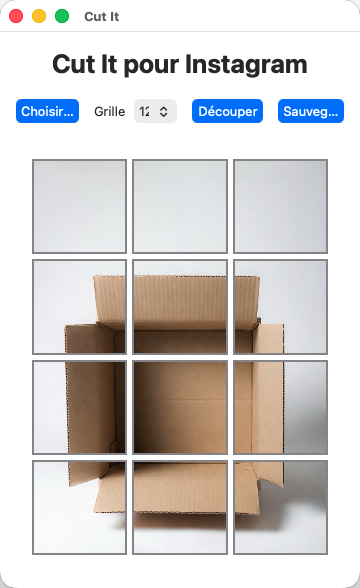
The photo, cut for the grid.
Six, nine or twelve squares, framed by hand and numbered in posting order. Free — the picture never leaves your device.
Three moves
01
Import
From your device, a drop, or a paste.
02
Frame
Pick 6, 9 or 12, then place the subject.
03
Post
Download the set. Numbers follow Instagram.
Questions
- What is Cut It?
- A free tool that cuts a photo into 6, 9 or 12 squares for an Instagram grid.
- Does the photo leave the device?
- No. Framing and cutting happen in the browser. Nothing is uploaded.
- In what order should the squares be posted?
- Each square is numbered. Post 01 first, for a carousel or for the profile grid.
- Who made Cut It?
- Nicolas Denimal, in 2026. Write to nicolas@denimal.ovh.